

 Games, Categories, Providers
Play and Win With the CrownPlay Casino App
The CrownPlay Casino app delivers all of the casino’s offerings into the palm of your hand. You get access to thousands of games, complete transactions swiftly and activate bonuses by gambling with the software. Thankfully, it is quite easy to install and download it. We designed it to be compatible with most smartphones. Learn about all the features and workings of the mobile software here.
CrownPlay Casino App Features
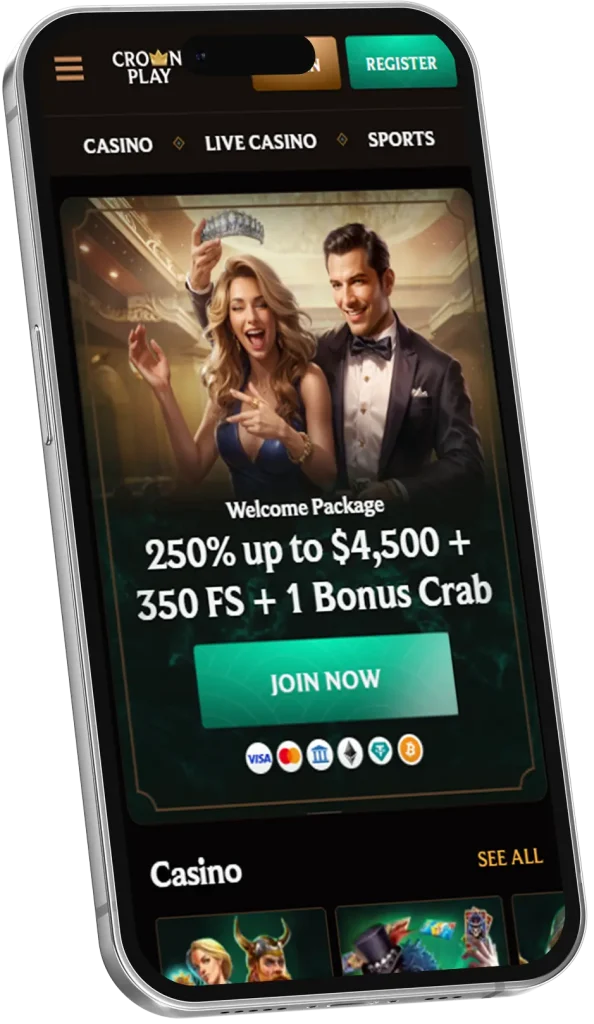
Our primary objective when designing the mobile app was to ensure it appealed to most of our members. Clearly, we hit the bull’s eye following the positive reception the software has received since its launch. See the top features of the CrownPlay app that stand out for players.
- Compatibility: The software works on Android and iOS devices. More than 95% of global smartphone users own either an Android or iOS device. It is clear that most of our members, if not all, can install the software.
- Small Storage Demand: The size of the software is less than 50 MB. You can download and install it in less than two minutes on standard internet.
- Quick Updates: The majority of the changes we make to our products are first seen in the software. This unique situation gives smartphone users a head start advantage to maximise newly introduced incentives.
Installing the Application on Android and iOS
Android user’s CrownPlay mobile installation steps:
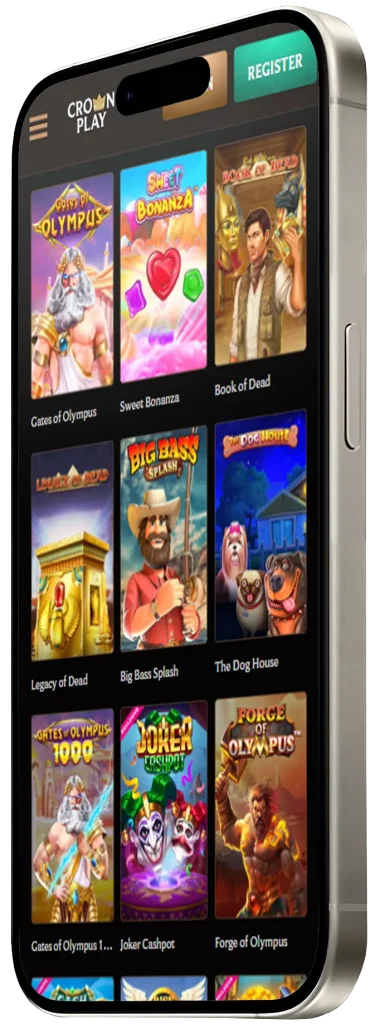
- Visit the official website with the Chrome or Firefox browser.
- Tap the browser main menu and choose the “Add to Home Screen” option.
- Click the “Install App” icon to start the download and subsequent installation.
iOS Users Installation Step
- Go to the official website using the Safari browser.
- Click the “Share” in the middle of your screen.
- Press the “Add to Home Screen” button.
- Click on the “Add” menu to start the installation.
Devices That Can Use the App
Most standard smartphones and tablets that use the Android or iOS operating system will run the casino app. If you use an Android phone, then you need the Chrome or Firefox browser to access the Crown Play Casino app. iOS users only need the Safari browser, as we specified.
Smartphones and tablets are the intended platforms for the application. Those who prefer playing with a desktop or laptop have to make do with the official website, designed for PC access.
System Requirements for the CrownPlay App
These are the standard Android and iOS minimum requirements to run the app.
| Requirements | Android | iOS |
| OS Version | Android 4 or higher | iOS 13 or higher |
| RAM | 2 GB or more | 2 GB or more |
| Storage | 200 MB or more in free space | 200 MB or more in free space |
| Connectivity | Wi-Fi or at least 4G | Wi-Fi or LTE |
Mobile App Interface
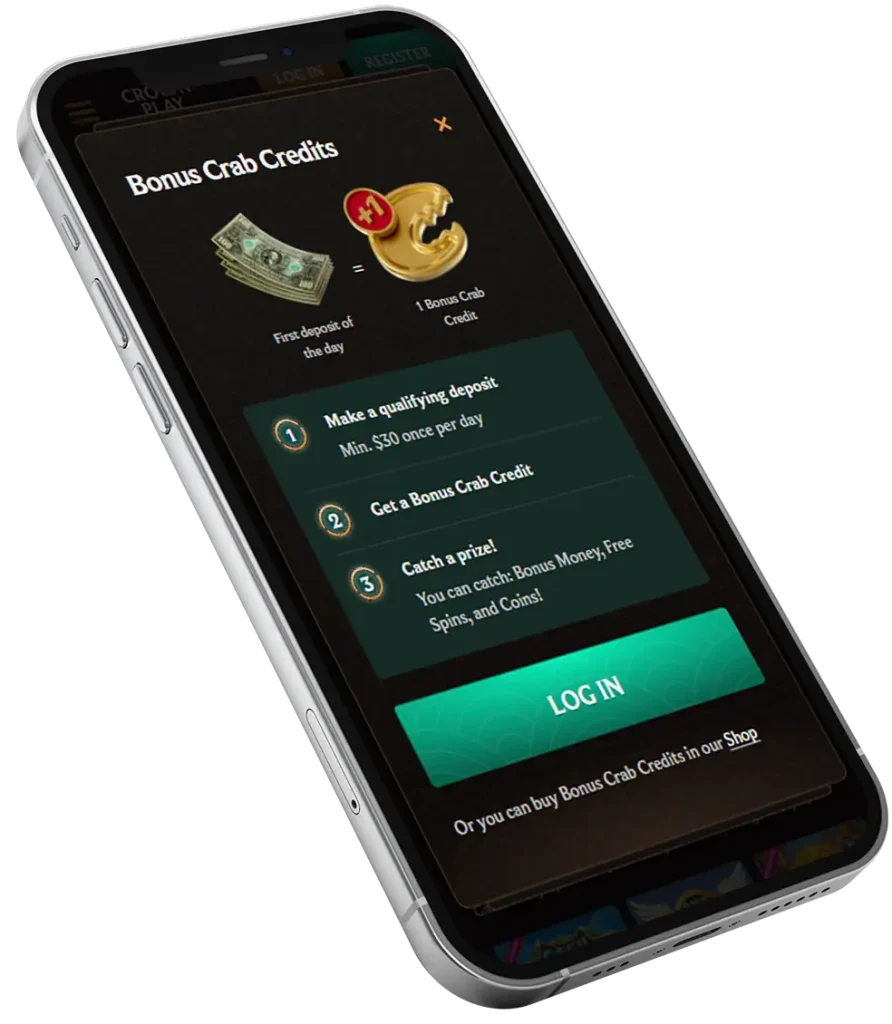
We maintained the gold and black graphics on the Crown Play app to match our PC presentation. However, the app interface is more compact, with all the important menus just about a click away. You will find the “Log In” and “Register” menus at the top right of your screen. A three-dash button housing more icons is on the opposite left. Some of these icons lead to the promotions, games, and the live casino section.
It is impossible to miss the welcome bonus banner at the centre of the homepage. Below the banner are tons of game titles categorised into sections. We placed these selections here because they are what is trending in the industry. Each week, we update the lists to reflect Crown Play mobile players’ demands.
You will find more links that reveal more about us at the bottom of your screen. Use these links to access our terms of service, privacy policy and payment options.
Our priority is high-level optimisation for smartphone users. You won’t experience any glitch navigating the interface. There are also no awkward sideway movements when scrolling.
Signing Up and Funding Your Account
With the app installed, signing up as a player is more or less a walk in the park. You just need to provide some personal information about yourself that helps us confirm your eligibility to gamble. See how to create your personal account at CrownPlay Casino mobile:
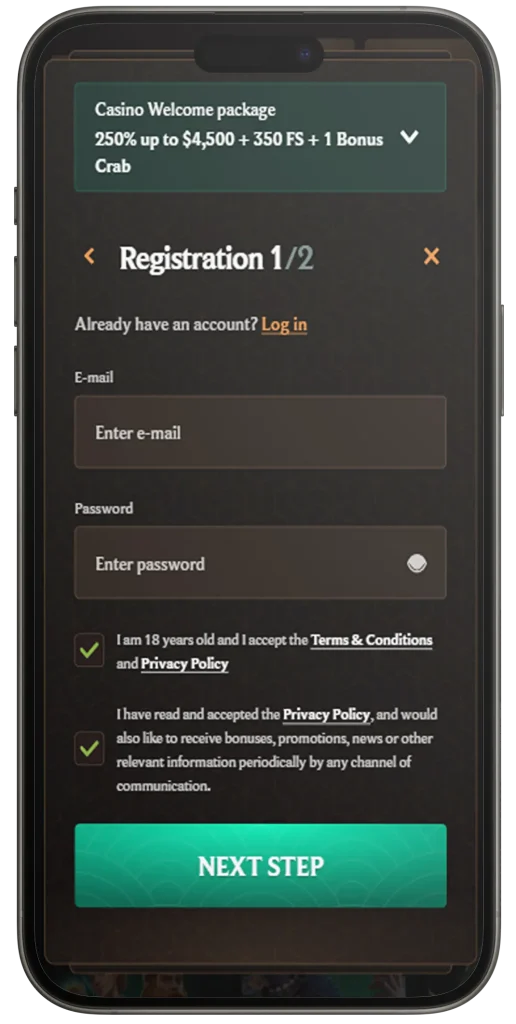
- Click the “Register” icon in the top-right corner of your screen.
- Choose between the casino or sports welcome bonus to continue with your registration. Since your interest is in real money games, it is ideal to go for the casino welcome offer.
- Next, you have to provide a personal email address and create a unique password. Ensure that you are at least 18 years of age and that you have read and agreed to our terms of service.
- Provide your full name, date of birth, gender, resident country, state, city, home address, postcode and phone number.
- Complete the app registration by hitting the “Create Account” icon.
It is a great move to immediately fund your Crown Play Casino mobile account after registration. As a new member, you are eligible for a welcome match bonus package. Also, depositing money gives you the chance to play real money games and earn winnings.
We have more than 25 payment solutions you can rely on to make a deposit. Crypto enthusiasts can fund their balance instantly with any of the coins we support. E-wallets, credit and debit cards and online vouchers are also available options here. Here is a list of our top deposit methods on the app:
- Crypto: Bitcoin, Tether, Ethereum, Litecoin, Ripple, USD Coin, Doge, Cardano
- E-wallet: Skrill, Neteller, Jeton, MiFinity, Sticpay
- Credit/Debit Cards: MasterCard
- Online Vouchers on CrownPlay mobile app: Neosurf, PaySafeCard, CashtoCode
Our fiat payment methods accept a minimum deposit of A$30. Crypto users may need to commit higher amounts, equivalent to A$35 or more.
Pros and Cons of CrownPlay Mobile
There are some pros and cons of the mobile app.
Pros:
- You get more personalisation options with the software.
- You have the advantage of benefitting from exclusive bonuses available to mobile users.
- Gameplay and load times are relatively faster on the software. You do not have to worry about glitches, either.
Cons:
- Those who already feel at home with PC gaming may find the software presentation too compact and not have the same level of satisfaction.
Bonuses for Mobile Users
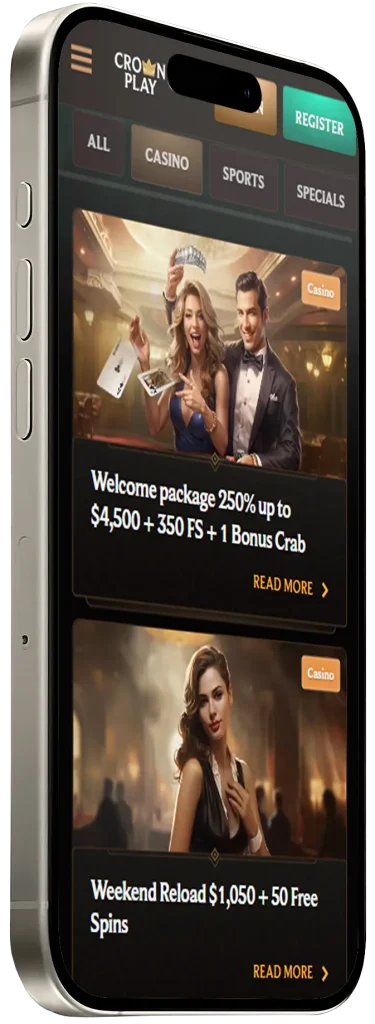
CrownPlay application users can activate different promos, including the welcome package and weekly reloads. Here are some nice promos worth claiming.
Welcome Package: Grab a 250% bonus up to A$4,500 + 350 FS across your first four deposits. You need to deposit a minimum of A$30 to benefit from any of the four promos. The cash prizes all have a 35x playthrough requirement, while the FS comes with a 40x wagering multiplier.
See all four promos:
- 1st: 100% up to A$1,500 + 200 FS
- 2nd: 75% up to A$750
- 3rd: 50% up to A$750 + 50 FS
- 4th: 25% up to A$1,500 + 100 FS
We offer our members two distinct reloads so they are never short of game cash on Crown Play mobile app.
- 50% Weekend Reload: Claim a 50% promo up to A$1,050 + 50 FS between Friday and Sunday for a blast weekend. Deposit at least A$75 and up to A$2,100 to benefit.
- FS Weekly Reload: Depositing A$30 from Monday to Friday will set off 50 FS to play bonus slots.
App Player’s Security and Privacy
Gambling with the mobile app is safe and secure. Just like the website, our software is SSL encrypted. So every information you send to us is protected from interception and hacks. We go to great lengths to ensure that all your activities with our software are kept confidential. Only you and the authorised staff on Crown Play application are aware of your gambling patterns. Also, you can rest assured that we will never share your details or activities with any unauthorised entity.